
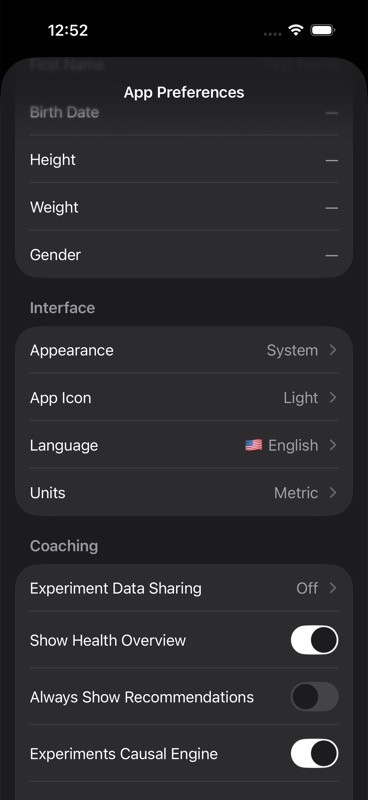
You tab personalization comes from App Preferences and changes what context Unfair uses for recommendations and daily execution.
Identity and interface
You can set profile photo, name, appearance, app icon, language, and units.
These settings change visual behavior and improve recognition speed when switching between apps.
Recommendation input tuning
Goal, stimulant sensitivity, contraindication status, consistency obstacles, current supplement list, and cycle preference are all editable in Coaching preferences.
Changing these values alters the signal profile used by recommendation scoring.
Consistency controls
Streak mode and notification preferences are part of personalization because they control how aggressively the app nudges you to log.
Use Consistency Streaks and Cycle-Aware Reminders for those details.