
Getting started in Unfair takes you from profile setup to a usable daily supplement plan in a few minutes.
Complete the onboarding profile
Onboarding asks for the data that drives recommendation scoring and stack timing. It covers your goal, stimulant sensitivity, active medication or contraindication status, current supplements, consistency obstacles, and cycle preference.
The recommendation engine uses this profile to build your first stack bundle, so more complete answers produce better first-pass output.
Connect Apple Health
During onboarding, Unfair can request HealthKit access and prefill core profile fields such as birth date, height, weight, and workout frequency when available.
If you skip this step, you can still continue and enter data manually later in HealthKit Permissions and Settings and Preferences.
Generate your first recommendations
The recommendations step creates your first stack and supplement bundle and stores it on device for the You tab surfaces.
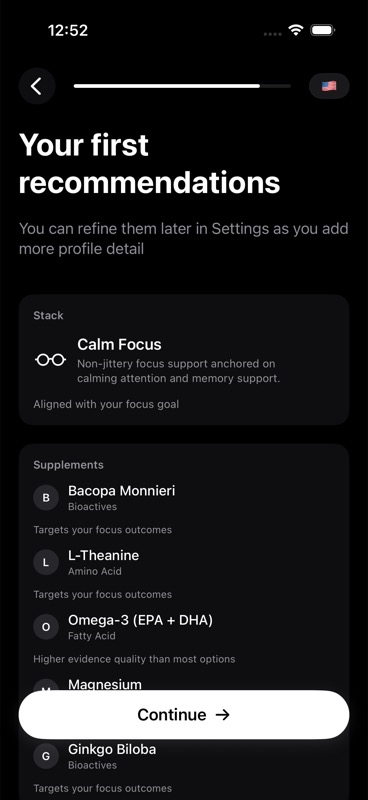
For details on how those picks are computed, read AI Recommendation Generation.
Turn on reminders
Notification access is optional, but enabling it unlocks Smart Reminders and one-tap actions from notifications.
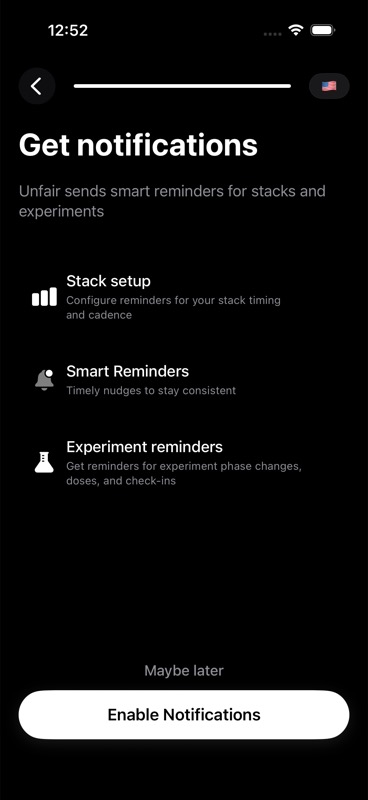
You can change reminder behavior later in Cycle-Aware Reminders.
Start your first day
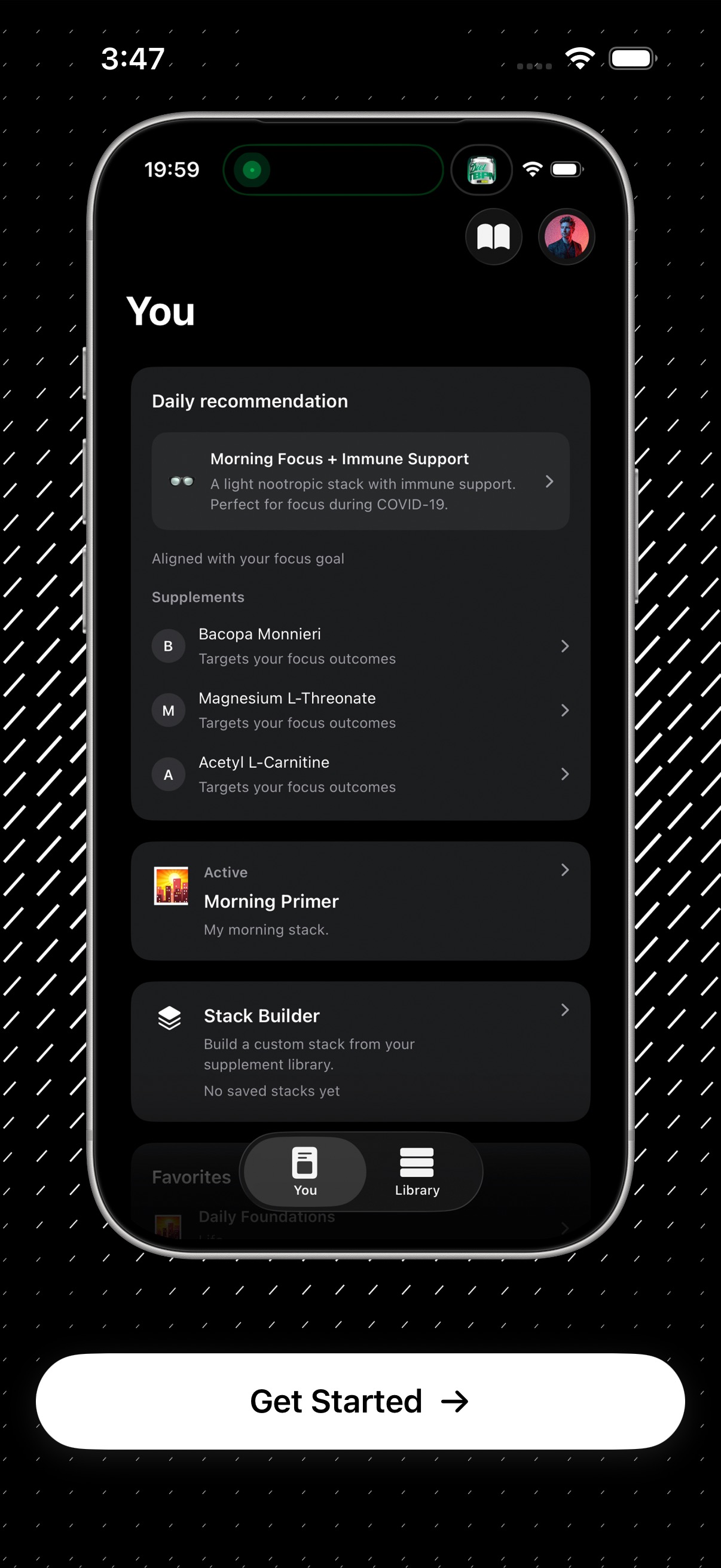
After onboarding, open the You tab, review the daily recommendation card, and log your first dose.
Use You Tab Overview for the full flow.