
On iPhone, Unfair gives you two faster ways to get back into the app: home screen quick actions and reminder notification actions.
Home screen quick actions
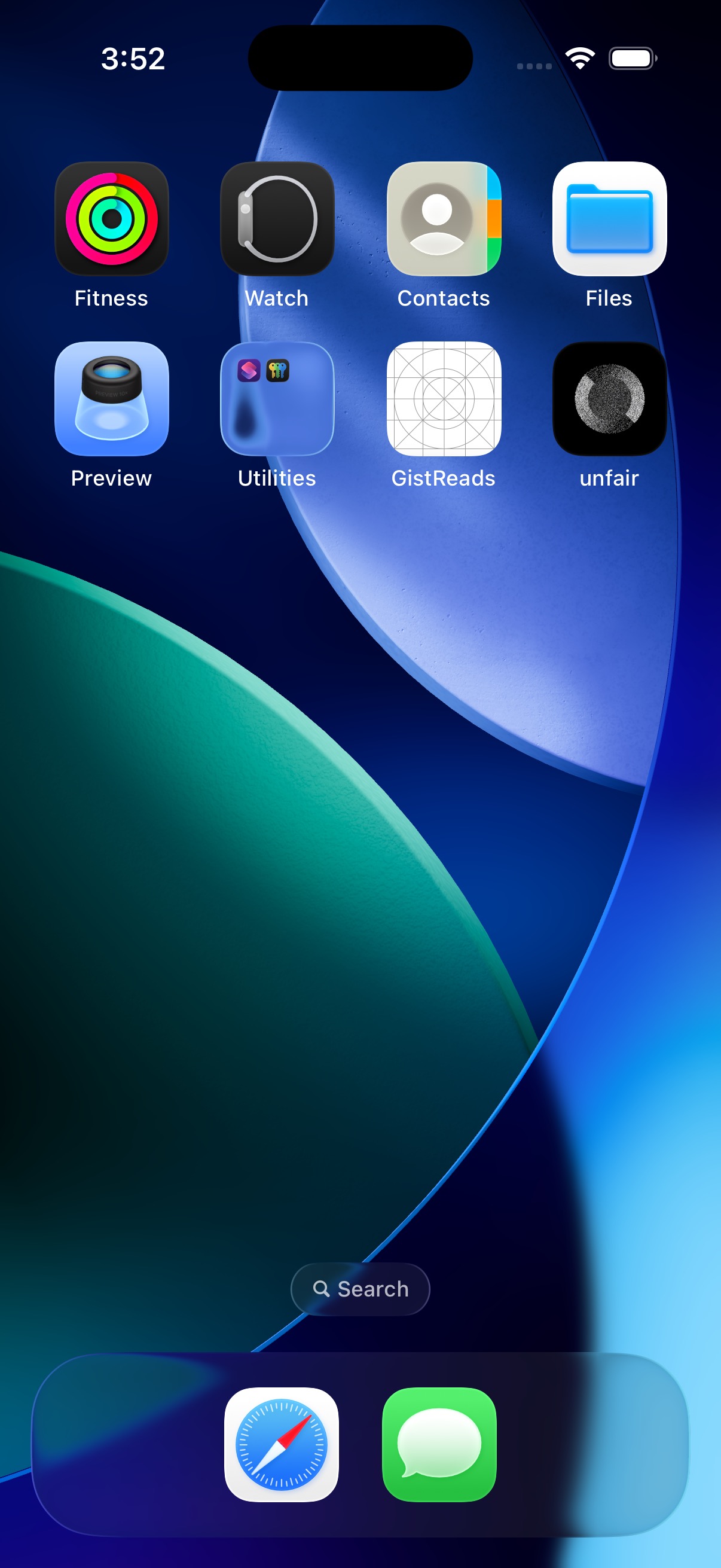
Touch and hold the Unfair app icon to see the available quick actions.
Unfair currently shows three home screen quick actions:
| Action | What it opens |
|---|---|
| You | Opens the You tab |
| Library | Opens the Library tab |
| Journal | Opens Journal Timeline |
These are fixed entry points. They are not personalized based on your current stack, recent activity, or reminder state.
Notification actions
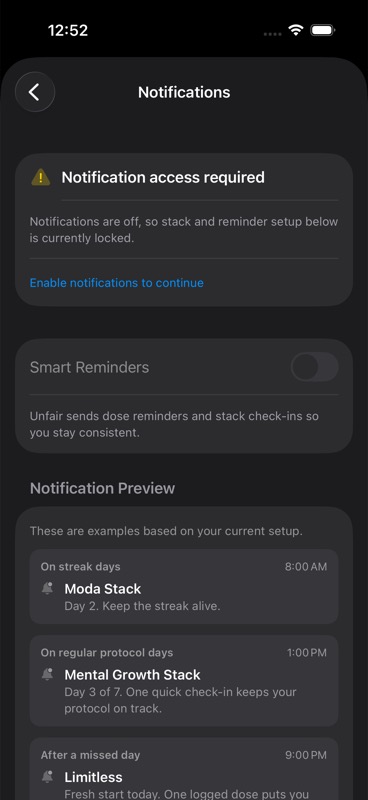
Reminder notifications can include actions directly on the notification itself.
Unfair currently registers these reminder actions:
| Action | What it does |
|---|---|
| Log Now | Opens Unfair and starts dose logging for that reminder when the notification includes that route |
| Snooze 30m | Schedules the same reminder again 30 minutes later |
| Skip This Dose | Clears pending snoozes for that reminder |
If you tap the body of the notification instead of one of the action buttons, Unfair opens the route attached to that reminder. If there is no route attached, it falls back to the main You area.
What to expect
Use home screen quick actions when you already know where you want to go.
Use notification actions when you are responding to a reminder in the moment.
A few details matter:
- Home screen quick actions are available on iOS only. See Platform Scope iOS Only.
- `Snooze 30m` creates a one-time reminder 30 minutes later.
- `Skip This Dose` does not log a dose. It only removes pending snoozed copies of that reminder.
- Older notifications may still respond to legacy action names behind the scenes, but the current actions shown to people are `Log Now`, `Snooze 30m`, and `Skip This Dose`.
If something seems off
If you do not see notification actions, first confirm that reminders are enabled in Unfair and that iPhone notifications are allowed for the app. Cycle-Aware Reminders covers reminder setup.
If a shortcut or notification opens somewhere unexpected, reopen the app once and try again. If the issue continues, use Troubleshooting.