
Use App Language Setting to choose the language Unfair uses in menus, recommendations, and reminders.
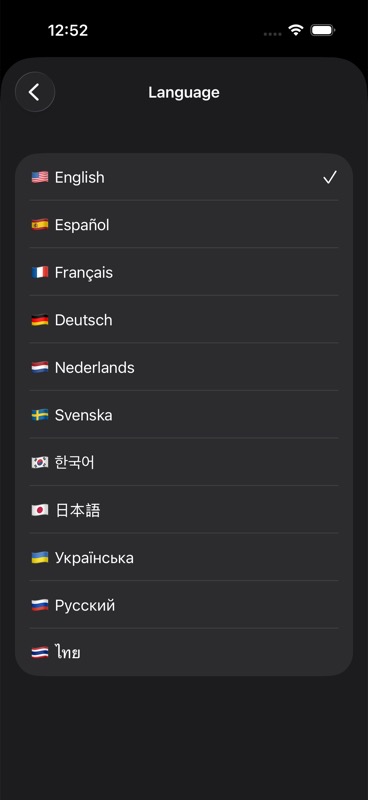
Where to change it
Open app settings and select your preferred app language.
If your iPhone system language is different, Unfair still follows the app-level language you choose.
What changes after switching
Screen labels, section titles, and most in-app text update to your selected language.
Some system-controlled prompts from iOS may still appear in your device language.
If text does not update
Close and reopen Unfair, then check the language again in settings.
If a specific phrase still appears in the wrong language, contact support with a screenshot and your selected language.